
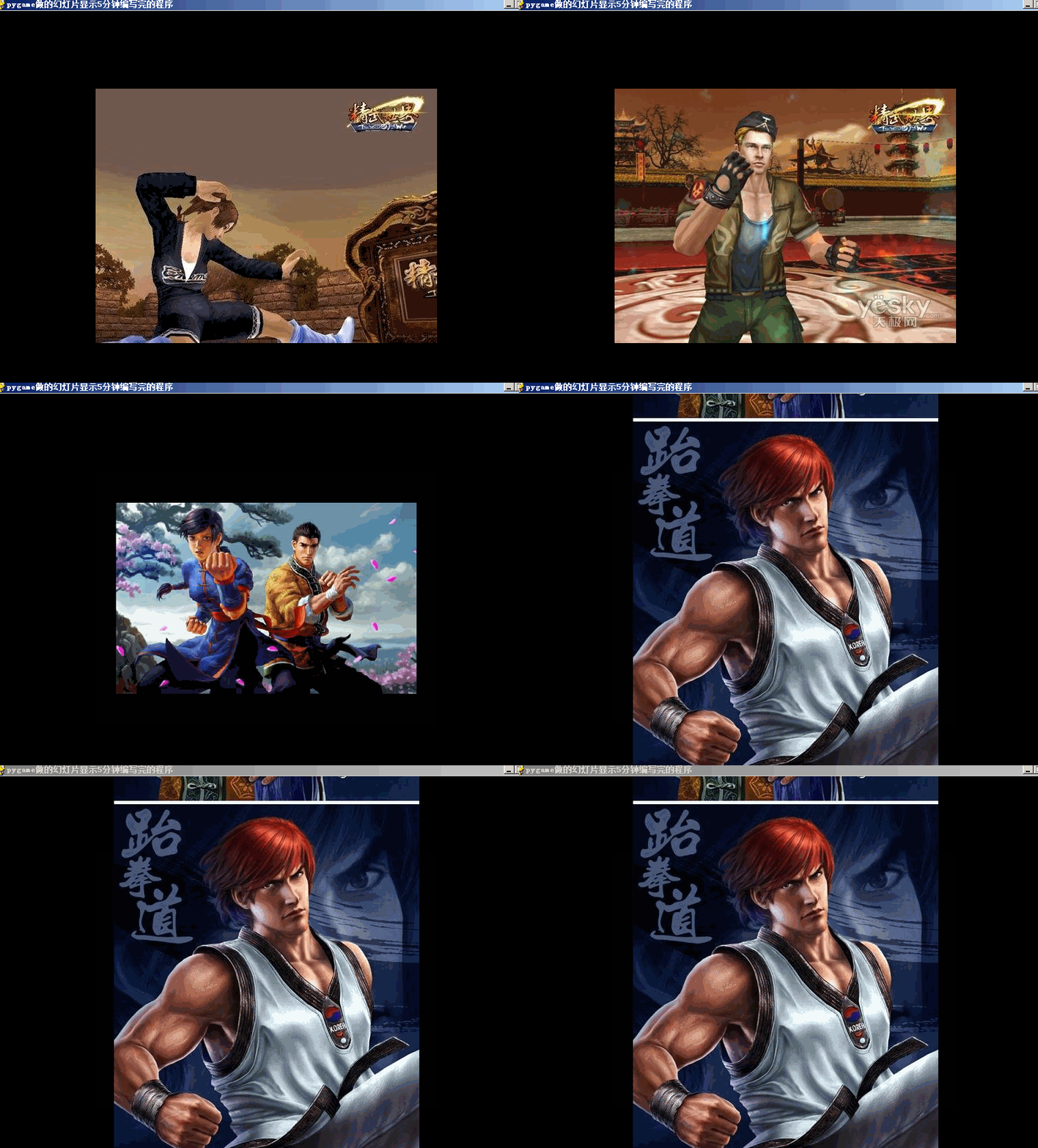
李兴球Python的pygame幻灯片
"""
pygame做的幻灯片显示5分钟编写完的程序

"""
import sys
import pygame
from glob import glob

__author__ = '李兴球'
__date__ = '2012/6/13 06:58'
__blog__ = 'www.lixingqiu.com'

images = [pygame.image.load(png) for png in glob("D:\\精武世界截图\\*.jpg")]
images_whs = [img.get_size() for img in images]
ims_amounts = len(images)

screen = pygame.display.set_mode((800,600))
pygame.display.set_caption("pygame做的幻灯片显示5分钟编写完的程序")

counter = 0
running = True
clock = pygame.time.Clock()               # 建立时钟对象

while running:
    for event in pygame.event.get():
        if event.type == pygame.QUIT:
            running = False

        # 动一下按键就会显示一张不同的图像
        if event.type == pygame.KEYDOWN:  # 按任意键图片索引加1
            counter += 1
            counter %= ims_amounts

            screen.fill((0,0,0))
            w,h = images_whs[counter]
            w,h = 400-w//2,300-h//2               # 确定渲染位置
            screen.blit(images[counter], (w,h))   # 把图贴到screen上
            pygame.display.flip()                 # 刷新屏幕显示
    clock.tick(10)                        # fps为10

pygame.quit()
sys.exit()

