
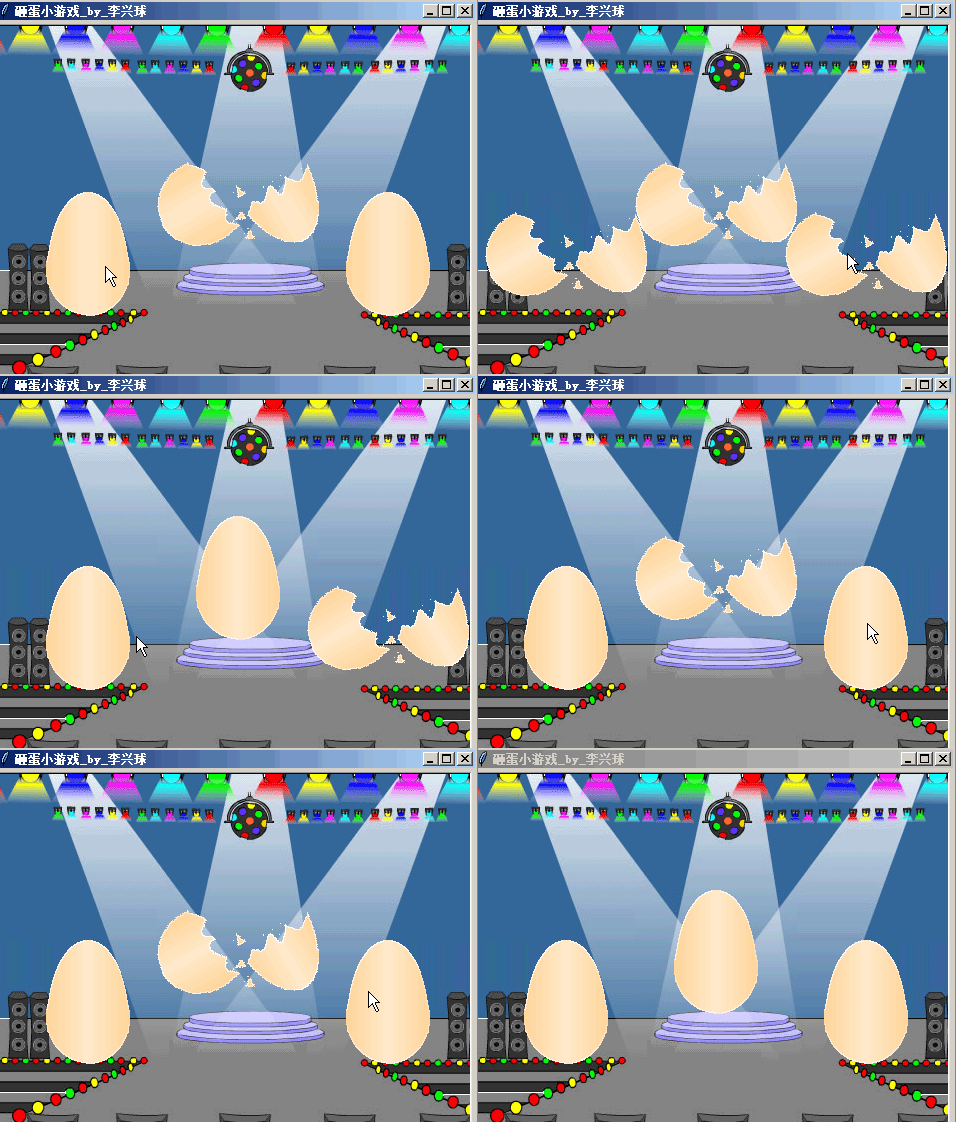
以下是部分代码预览:
"""
   砸蛋小游戏.py
   本程序单击蛋蛋后会有道具出现。
"""

import pygame,glob
from turtle import *
from random import choice,randint

class Prop(Turtle):
    """道具类,当砸到蛋蛋时,生成一个它的实例"""
    def __init__(self,image,position):
        """images:造型图,position:坐标"""
        Turtle.__init__(self,visible=False)  # 初始化时不可见
        self.penup()                         # 不需画所以抬笔
        self.shape(image)                    # 设定道具造型


    def move(self):
        """在屏幕范围内不断移动直到超出范围"""
        self.fd(20)


class Egg(Turtle):
    def __init__(self,images,position,sound,propimgs):
        """images:造型图,position:坐标,
           sound:音效,propimgs:道具图表"""
       Turtle.__init__(self,visible=False)
        self.propimgs = propimgs             # 道具图形表
        self.images = images                 # 造型列表
        self.index = 0                       # 造型索引号
        self.sound = sound                   # 音效
        self.penup()                         # 抬笔
        self.goto(position)                  # 定位置
        self.shape(images[0])                # 初始为第一个造型


    def open(self,x,y):
        """切换到打开蛋蛋的造型"""
        self.onclick(None)                   # 取消onclick的绑定

    def delay_close(self):
        """延时把蛋蛋关闭,模拟异步执行,防止程序阻塞"""


if __name__ == "__main__":

    width,height = 480,360                   # 定义宽高
    propimgs = glob.glob("gif/*.gif")        # 道具列表
    eggimgs =['images/造型1.gif','images/造型2.gif']

    screen = Screen()                        # 新建屏幕
    screen.delay(0)                          # 延时为0
    screen.title("砸蛋小游戏")               # 设置标题
    screen.setup(width,height)               # 设置宽高
    screen.bgpic("images/stage.png")
    [screen.addshape(im) for im in eggimgs]  # 增加蛋蛋造型
    [screen.addshape(im) for im in propimgs] # 增加道具造型

    pygame.mixer.init()                      # 初始化混音器
    bgmusic = "audio/8-Bit Numa Numa.wav"
    pygame.mixer.music.load(bgmusic)         # 加载背景音乐
    pygame.mixer.music.play(-1,0)            # 循环播放音乐
    thd = "audio/THUNK.wav"
    clickedsnd =pygame.mixer.Sound(thd)      # 生成音效对象

    cors = [(0,0),(-150,-50),(150,-50)]      # 下行是生成仨个蛋
    [Egg(eggimgs,xy,clickedsnd,propimgs) for xy in cors]

    screen.mainloop()
下载完整源代码与素材,请
需要浏览更多吗?
成为会员后,登陆才能继续浏览!联系微信scratch8即可办理会员。
(会员专属:能浏览所有文章,下载所有带链接的Python资源。)

