
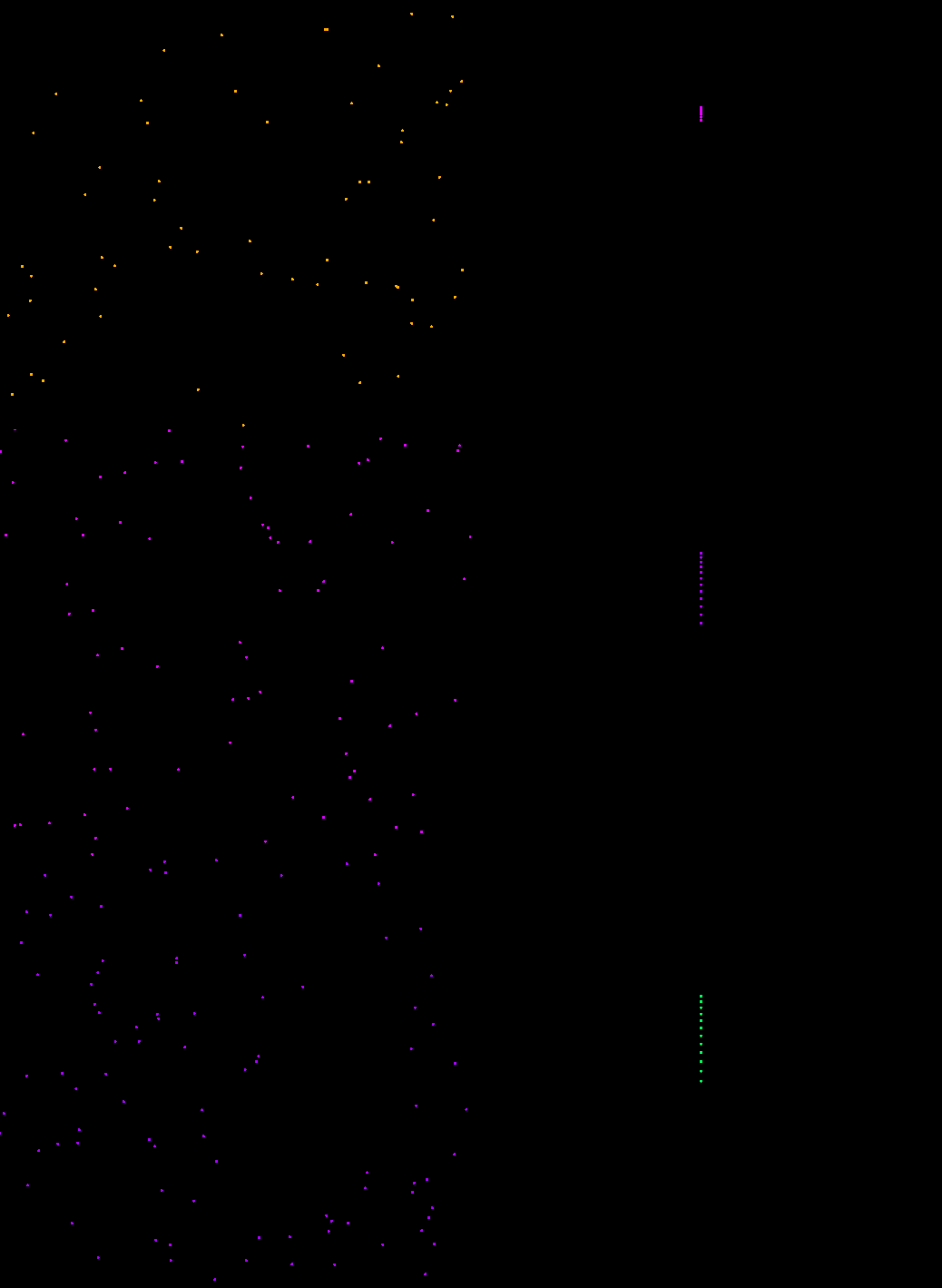
python firework animation demo
"""
   烟花效果.py
   本程序会有一个彩色的小点从下往上升起,然后爆炸
   粒子效果是用图章实现的,注意精灵对象图章列表名字叫做:stampItems。
   程序中新建了一个字典,它以图章的编号为键,以图章的dx和dy为值存储数据。
   每个图章都受到重力的影响,它们的加速度都是-0.5。
   本程序需要求sprites模块支持。
"""
from sprites import *

width,height = 600,600
screen = Screen()
screen.bgcolor('black')

fire = Sprite(shape='circle',visible=False)
fire.scale(0.1)               # 缩小为10%

# 盖的图章的数量
amounts = 250
clock = Clock()               # 新建时钟对象

while True:
    fire.randomcolor()         # 随机颜色
    fire.goto(0,-300)          # 坐标定位
    fire.dx = 0                # 水平速度
    fire.dy = 20               # 垂直速度
    fire.da = -0.5             # 加 速 度
    fire.show()                # 显示出来

    while fire.dy >= 0:        # 当在上升的时候
        fire.move(fire.dx,fire.dy)
        fire.stamp(0.2)
        fire.dy = fire.dy + fire.da
        clock.tick(60)
    fire.hide()
    fire.wait(0.2)             # 这里一定要至少等0.2,由于上面的图章要0.2秒才删除

    # 生成一定数量的图章
    [fire.stamp() for _ in range(amounts)]

    # 存储每个图章速度的字典,键是图章编号,值是dx和dy
    speeds = {}
    for x in range(amounts):
        dx = random.random()* 6 * ((random.randint(0,1) *2 ) -1)
        dy = random.random()*10 * ((random.randint(0,1) *2 ) -1)
        st = fire.stampItems[x]
        speeds[st] = [dx,dy]

以下代码省略......
下载完整源代码与素材,请
需要浏览更多吗?
成为会员后,登陆才能继续浏览!联系微信scratch8即可办理会员。
(会员专属:能浏览所有文章,下载所有带链接的Python资源。)

